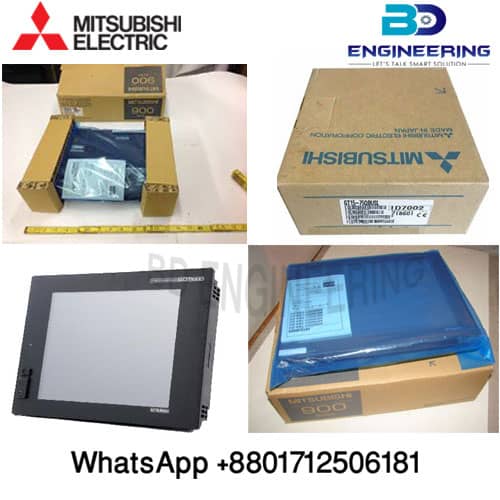
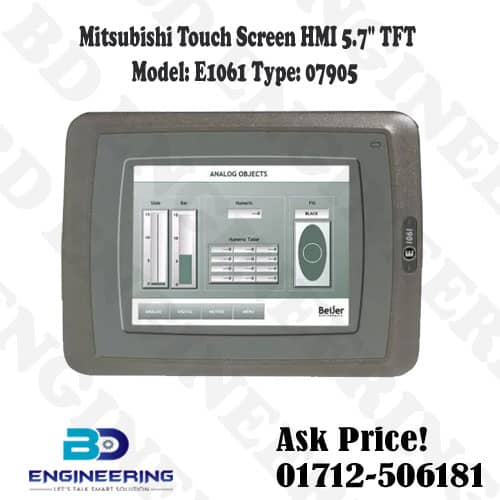
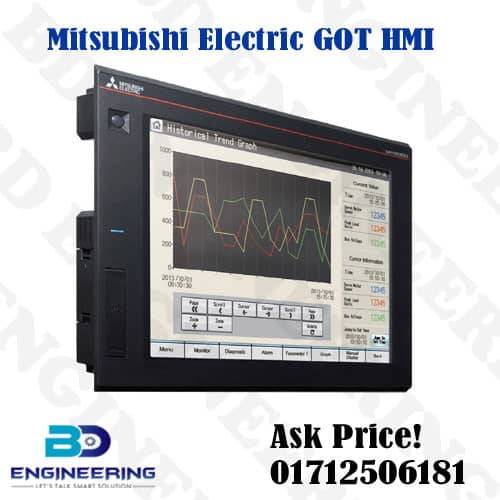
HMI Graphic Operation touchscreen Mitsubishi Electric 15inch GT1695M-XTBA
$26.22
$42.74
Mitsubishi Electric 15inch GT1695M-XTBA The Mitsubishi Electric GT1695M-XTBA is a 15-inch Human-Machine Interface (HMI) with a graphical touchscreen. This advanced HMI device is designed for industrial automation applications, providing a user-friendly interface for monitoring and controlling machinery and processes. Key Features Display and Touchscreen: 15-Inch TFT Color Display: Provides a large, clear, and vibrant display for easy viewing of graphical data and control elements. Resolution: High-resolution screen ensures detailed and sharp images. Touchscreen Interface: Responsive touchscreen for intuitive interaction with the HMI. Connectivity: Multiple Communication Ports: Supports various industrial communication protocols and interfaces, including Ethernet, RS232, RS422/485, and USB. Expandability: Can be connected to other Mitsubishi automation devices, such as PLCs, servos, and inverters. Performance: Powerful Processor: Ensures smooth operation and quick response times. Memory: Sufficient onboard memory for running complex applications and storing data. Software Support: GT Designer3: Programming and configuration software for designing and deploying HMI applications. Integration: Mitsubishi Electric’s automation ecosystem, including the MELSEC series PLCs. Installation and Usage Tips Mounting: Ensure proper mounting in control panels or enclosures, following Mitsubishi’s installation guidelines. Power Supply: Connect to a stable power source with the recommended voltage. Programming: Use GT Designer3 software for creating user interfaces and configuring the HMI’s functionality. Maintenance: Keep the touchscreen clean and regularly check connections for reliability. Troubleshooting Display Issues: Check power connections and ensure the HMI is receiving adequate power. Verify the display settings and backlight. Touchscreen Problems: Ensure the screen is clean and free of obstructions. Recalibrate the touchscreen if necessary. Communication Errors: Verify cable connections and communication settings between the HMI and connected devices. Software Issues: Update the firmware and software to the latest versions for optimal performance. For detailed technical information, user manuals, wiring diagrams, and software downloads, refer to the Mitsubishi Electric website or the specific documentation provided with your GT1695M-XTBA unit. If you have any specific questions or need further assistance, feel free to ask! More details